
Unlocking Productivity with Microsoft Copilot: Your AI-Powered Assistant
- Oliver Xiao
- Mar 17
- 3 min read
Updated: Apr 7
Microsoft Copilot is an AI-powered companion designed to enhance productivity across various applications and workflows. It integrates seamlessly with the Microsoft 365 suite, the web via Edge, and Windows to provide contextual assistance through natural language processing.
Core Capabilities & Features
Copilot offers a variety of specialized modes and tools to handle different levels of complexity:
Think Deeper: Uses advanced reasoning models to analyze and plan complex, multi-step tasks.
Deep Research: Scours the web to generate comprehensive, multi-page reports on any topic.
Copilot Vision: Analyzes what is currently on your screen (in Edge or Windows) or seen through your phone's camera to provide real-time advice and information.
Copilot Pages: A dedicated workspace for brainstorming, outlining, and iterating on ideas with AI assistance.
Multimedia Creation: Generate AI art, posters, memes, and even personalized on-demand podcasts on topics that interest you.
Microsoft 365 Integration
For work and personal productivity, Copilot is embedded directly into everyday apps:
Word: Draft reports, summarize long documents, and refine writing style.
Excel: Analyze data trends, generate formulas, and create visualizations.
PowerPoint: Create compelling presentations from simple prompts or existing files.
Outlook: Summarize long email threads, draft replies with specific tones, and translate messages.
Teams: Recap meetings in real-time, track action items, and catch up on missed discussions.
Ways to Access Copilot
You can access Copilot through various platforms:
Web: Access the core chat experience at copilot.microsoft.com.
Desktop & Mobile: Use the dedicated apps for Windows, iOS, and Android.
Edge Browser: Built-in sidebars and Copilot Mode for smarter browsing.
Comparison of Versions
| Feature | Free Version (Copilot Chat) | Paid Version (M365 Copilot) |
|---------|-----------------------------|-----------------------------|
| Availability | Web, mobile, and select apps | Deeply integrated into M365 apps |
| Data Access | Web data and uploaded files | Organizational "Work IQ" (emails, Teams, OneDrive) |
| Security | Standard privacy protections | Enterprise-grade data protection and compliance |
| Customization | Basic AI chat | Build and use custom AI agents via Copilot Studio |
How to Generate Images
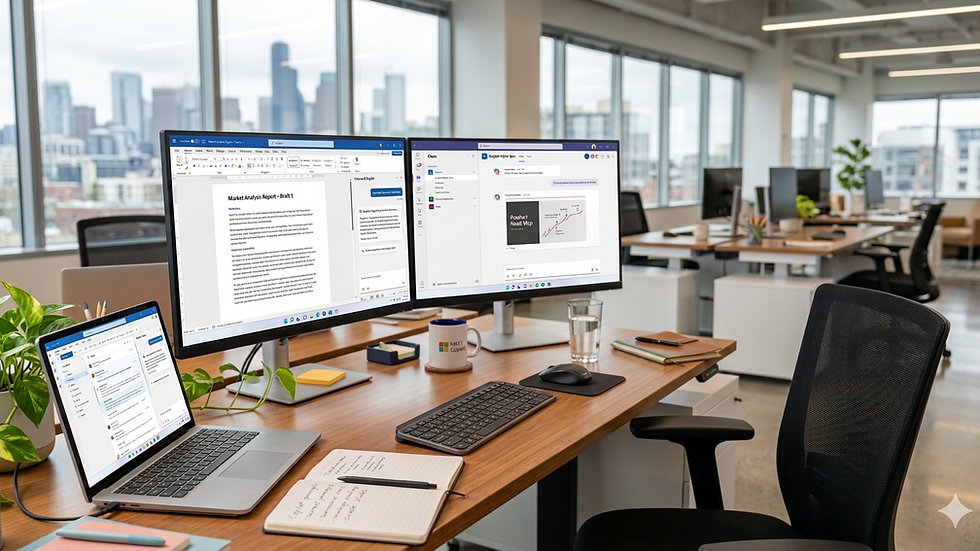
Microsoft Copilot is also a highly capable AI image generator, allowing you to create unique visuals from simple text descriptions. It is powered by advanced models like DALL-E 3 and GPT-4o to produce detailed, high-quality results.
Steps to Create Images
You can start creating by using natural language in several places:
Web & Mobile: Visit copilot.microsoft.com or use the Copilot app on iOS or Android.
Microsoft Designer: Access dedicated design tools at designer.microsoft.com for more control over styles and layouts.
Office Apps: Generate images directly within Word or PowerPoint to enhance your documents and presentations.
Tips for Better Results
To get the most accurate and visually appealing images, follow these best practices:
Start with a Verb: Use clear commands like "Draw," "Create," or "Generate."
Be Descriptive: Include specific details about the subject, setting, mood, lighting, and colors.
Specify Style: Tell Copilot if you want a particular look, such as photorealistic, watercolor, anime, or 3D render.
Refine and Iterate: If the first set of images isn't perfect, you can ask for changes like "make it sunnier" or "add a blue bird" to modify the existing concept.
Conclusion
Microsoft Copilot is not just a tool; it's your partner in productivity. By leveraging its capabilities, you can streamline your workflow, enhance creativity, and focus on what truly matters. Embrace the future of work with Copilot and unlock your potential today!
Comments